
Unbricking My X1 Carbon
/ 9 min read
Updated:Table of Contents
I ripped off the bubble wrap, yanked it open and pressed on the power button. The fan slowly started whirring, followed by the LENOVO logo, then… nothing… I sighed. This will be a long night.
After an eternity, the LENOVO went away, then the screen went dark. The fan started going full blast and the LENOVO logo showed again. This repeated indefinitely until I felt forced to shut the laptop off because I was scared of heat damage. The laptop didn’t react to any function key, so I couldn’t get into the BIOS or interrupt start up. If this your laptop, don’t worry because I might have a solution for you.
How this happened
My old laptop started feeling heavy. At 2kg, it was better suited for my mother’s home gym than for my backpack. It was also struggling to keep up with the ever hungrier Flutter toolchain, though normal tasks were fine. I figured I needed a new laptop.
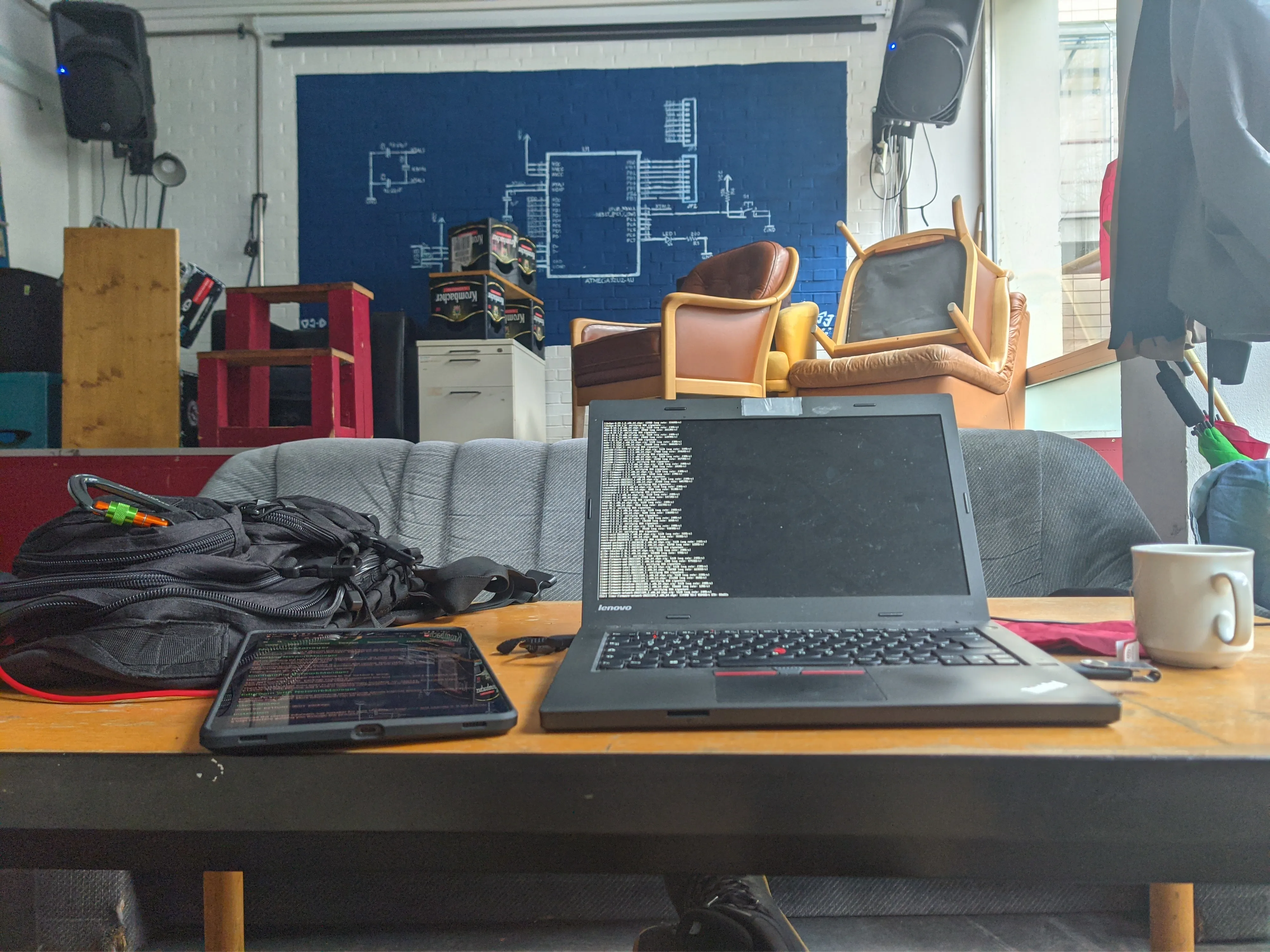
My old Thinkpad in a student-run cafe at university
That’s why I bought a broken Thinkpad X1 Carbon Gen6 from ebay. Why? Because it only cost 200€ and I thought I could repair it. The seller said that it didn’t boot anymore and felt very offended to provide more information. Why do you all ask so many questions if you can repair it, he asked, either buy it or don’t but don’t bother me. I was scared that other people would catch that sweet deal before me, so I bought it.
He probably doesn’t know how to enter the BIOS, I thought. But I was wrong. So wrong, I spent the 3 next days on cult-like forums, dubious BIOS websites, ordered a sketchy device from the internet, and manually scanned files bit by bit. All this, barely kept alive by the jaw-clenching coffee from the uni cafeteria.
The issue
After 100 unsuccessful attempts, I figured out something must be wrong with the boot sequence. The reset button at the back didn’t help either, no matter how long I pressed it. After midnight, I ended up taking out the CMOS battery and waiting a while. Everything was useless. The BIOS must be fried and the only way to fix it is to contact the support to replace the motherboard… or buy a new one for 400€. Fuck it. Let’s go sleep I thought.
That’s when I found out about the crisis mode.
Crisis mode
From what I have read. When booting the laptop in this specific configuration , one has a small time window to flash a new BIOS. Fine, I thought, it looks as simple as starting a plane.
The steps were:
- find the original BIOS ROM for my laptop
- rename it the right way so that it can be recognized by the crisis mode
- boot into the crisis mode by plugging in the charger, press
Fn + Rwhile turning on the laptop - listen for a beep
- The new BIOS will be flashed and everything should be working fine
But finding a new BIOS was not easy. This wonderful guide explains how to find the correct BIOS for a Thinkpad. I found a BIOS upgrade executable on the LENOVO support page I extracted with innoextract. I then skimmed every directory for an .fd file or any file that exactly matches 16MB (apparently the exact size of Thinkpad BIOS files). But my eyelids closed before I was able to find anything and I fell into a big slumber.
Next day, I figured that the .FL1 and .FL2 files were what I was searching for, but they were only partial bios update files. I still followed through with the tutorial: I looked into the firmware with uefitool bit by bit to find the correct bios name, but nothing…
Desperately, I started guessing names and pushing them onto my FAT32 formatted USB stick, repeating the crisis mode sequence every time. Nothing worked and all I could see was the bright red LENOVO logo flashing in and out into darkness.
Did I really just throw 200€ out of the window? As a student, that means weeks of food. There must be more I thought, before opening a new tab on Firefox.
The forum
Did you ever walk into a café and feel like intruding into a family event? That’s what I felt when stumbling onto badcaps. A site where people can exchange about electrical engineering, computers and everything tech. I sent out a cry of despair and went to uni, checking every 5 minutes to see whether somebody replied.
A nice stranger gave me a tip. It was so simple and obvious I whimpered. All of that time, there was a .bat executable called mkusbkey.bat. I ignored it, because all of the tutorials were so much more complicated. The simple fact of executing the file seemed to be too dumb to be the correct solution.
I installed WINE, mounted the drive and executed the file. A black and ugly windows command prompt appeared, showing the program was executing. After some time, it abruptly stopped. I waited a couple of minutes to be safe and plugged the USB stick into the dead device.
I repeated the crisis mode sequence one last time. “BEEP”. Date and time must be reconfigured. The laptop’s went into BIOS mode. I jumped, nearly banging my head on my desk I was lying beneath. I installed Fedora and fell into my bed, exhausted from another day of tinkering.
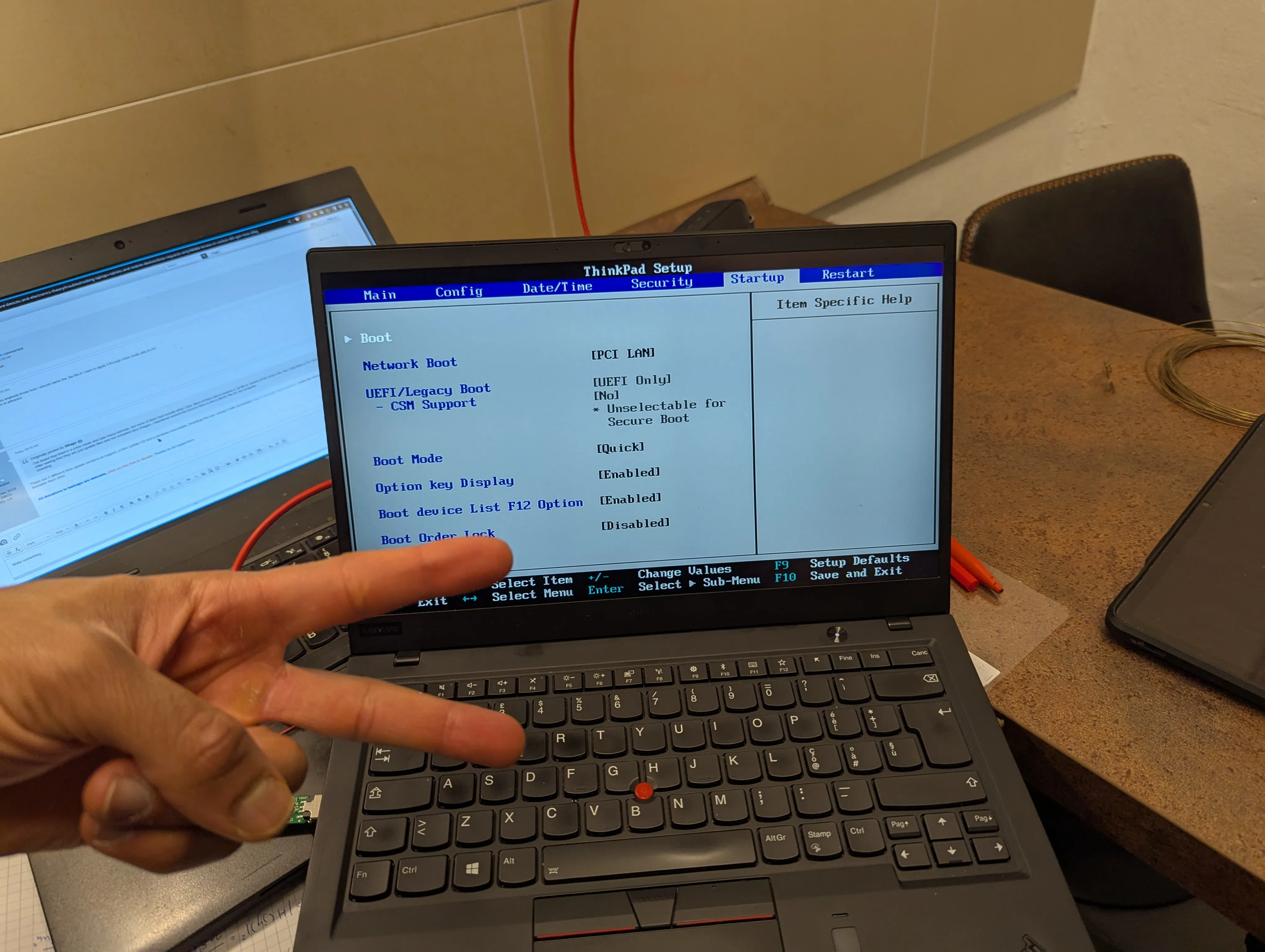
After hours of trying, I was able to enter the BIOS menu.
Next day, I found out I forgot to enable full-disk-encryption. No problem, I thought, my USB drive was next to me and ready to flash Fedora again. I restarted the laptop again, which only showed the LENOVO logo before the fan started spinning full-speed. I tried at least 30 times to get into crisis mode that morning, but nothing helped. I almost cried. Why am I always so overconfident that I can repair stuff?
Last resort (and what you might need to do) - Directly programming the BIOS
I dreaded needing to do this. I read about this process the first night, but was too scared. It felt too dangerous. It sounded like a guide on how to replace my own liver at home with normal kitchen tools. But I was at the point of no return, so I continued.
I bought a CH341A programmer on Amazon for 15€ because waiting 2 months for the 7€ Aliexpress one sounded too painful. The two days of waiting were atrocious. When I read that the delivery man was on my street, I left everything and sprinted down the road to welcome him.
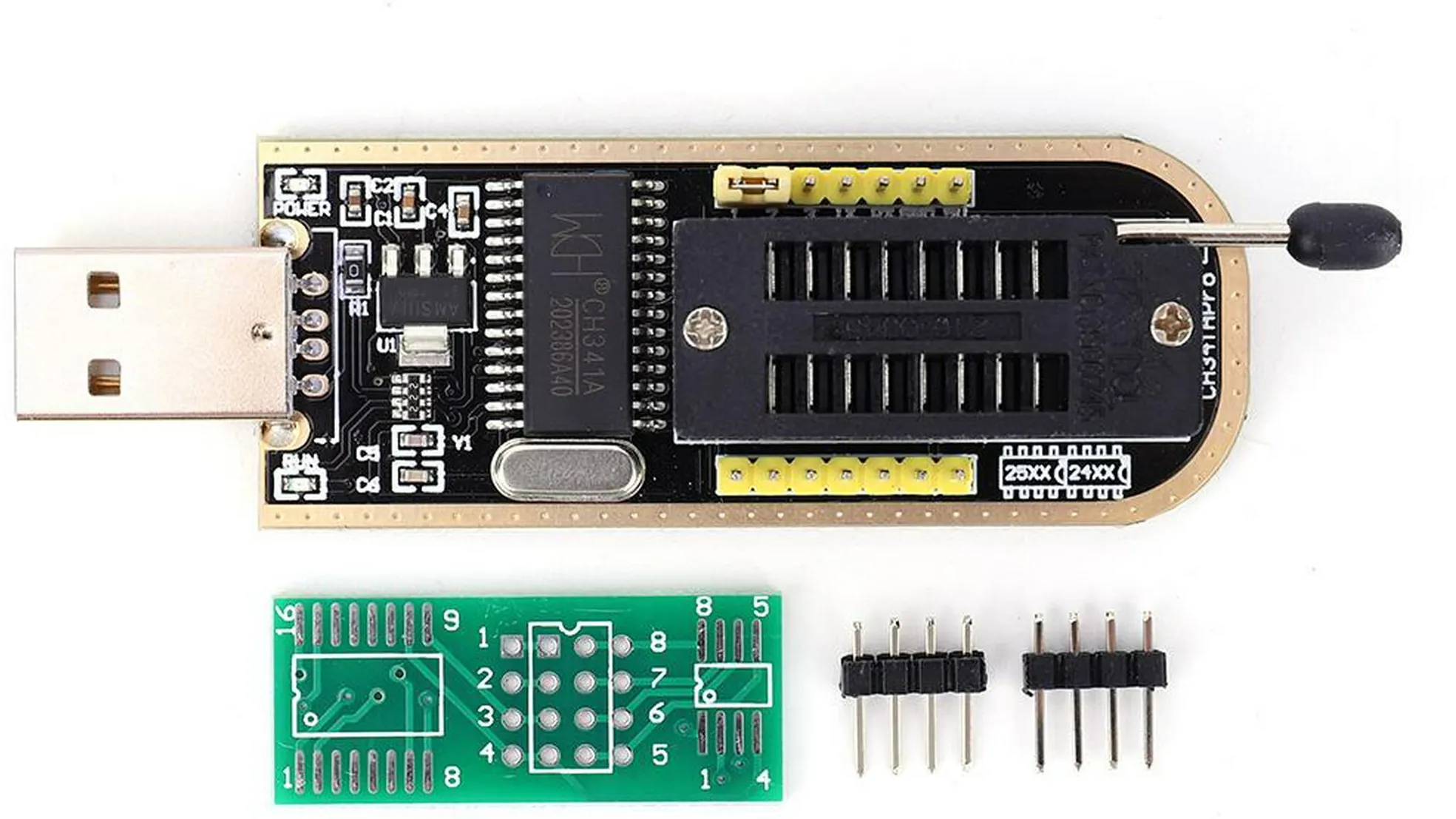
Stock picture of the programmer I used
First, I needed an original BIOS file. This was the hardest part because LENOVO does not provide it. I foraged the internet, created fake accounts on dubious forums until I sourced 3 candidates from badcaps (thank you).
A PHENOMENAL guide on Reddit explains how to locate the BIOS chip. I kiss the heart of the person who wrote it, really. I needed to find an 8 pin, 16MB chip on my motherboard. Mine was hidden under a black tape. It was way smaller than expected.
Then, I connected the programmer the way described in the guide and start the flashing process. For some reason, Fedora comes with the required CLI-tool called flashrom. I read the docs and flashed the first BIOS. The process took 15 minutes.
I booted the laptop and it showed “Time was reset”. I smiled. It meant that the diagnostics worked and I just needed to enter the setup to change date and time. Sadly, the laptop stayed stuck after that for hours.
A bit bitter but still delighted, I flashed the second BIOS which got me further. Although this time, the laptop didn’t detect the SSD.
The third file worked. It still works after more than 1 year. I’m actually writing this article on this Thinkpad in a night bus in India. The only issue is that the Thunderbolt USB-C and HDMI ports are dead and that sleep mode needs 5 minutes to kick in. But those are issues I can live with.
For now and for the next few years, I can rock this beast of a laptop with an inter i7 core and 16GB of ram. It also is very slim and weighs less than one kg. What could I need more?
Conclusion
Now, should you buy a used and broken laptop? I’m an advocate for repairing stuff instead of throwing it away. The knowledge you gain despite the small moments of frustration is priceless.
If buying a more expensive used device though, consider that your money might be gone if the repair fails. There are many kind-hearted, passionate and amazing people on the internet who will help you along the way. If they need help for something you know much about, you can give that knowledge to them.
That’s why I’m writing this article for you in case you have similar issue to save you a lot of research and frustration. I really hope that it might help someone.
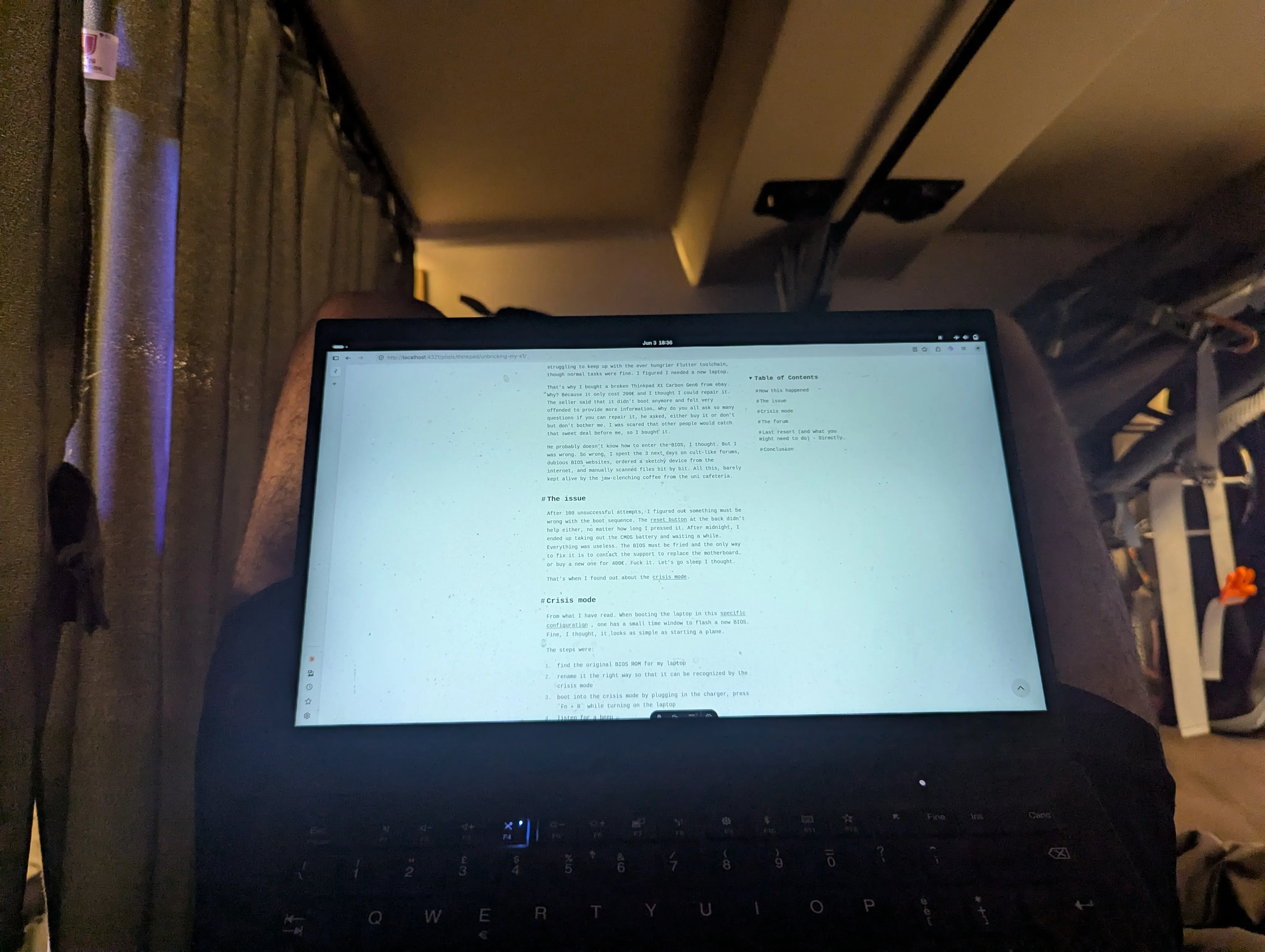
Writing this article in a nightbus in India. The fixed laptop is sitting on my lap, still going strong after 1 year.
I’m deeply grateful for all the people who take their time to post help on forums like badcaps and the Reddit tech forums. I’m also very grateful for old Thinkpads being so easy to mod. That’s something I rarely see nowadays. I recently heard that a mac user needed to replace his whole motherboard from his 10 year old mac just because one key is broken. What a world we live in!
I saw this video yesterday that deeply motivates me to get more into repairing old devices.
Cheers